Light theme
Dark theme
Automatic (use operating system setting)
Shared: 13 tabs
Scan this QR code using the camera app on your smartphone or tablet
Delete this page
About OneTab
Copy all links to clipboard
13 tabs
Copy links to clipboard
Copy
Open
intro | Advanced Video Pipelines | id3as
2019 Initial Meeting Guide - Google Slides
Grafana - Host Stats
Grafana - Platform Encoder
https://abc-demo.id3as.co.uk/20314c71-c6a5-4b03-b414-9148be14e314/12014/visualiser
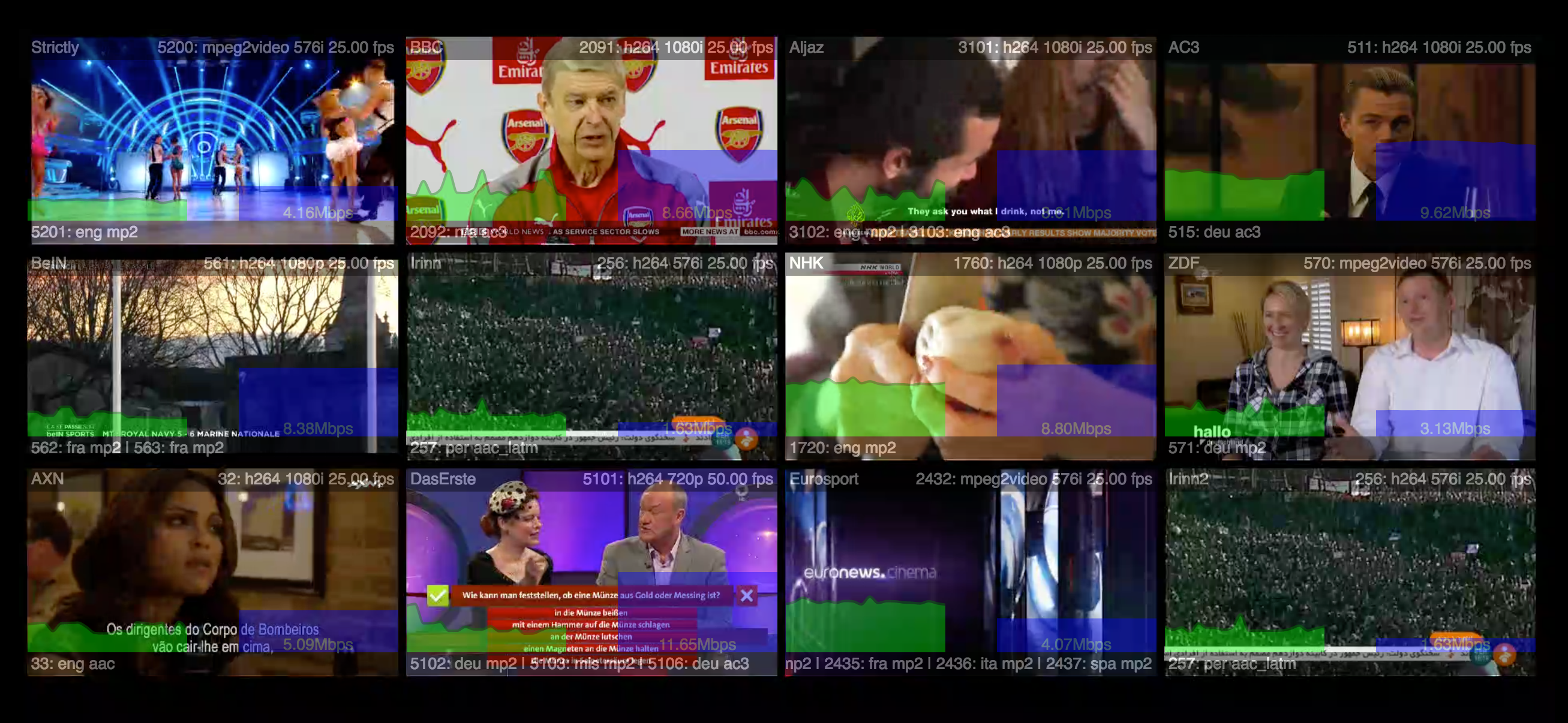
b1006e_00474428ccac4d2ea0f2877a90576fda~mv2_d_2614_1206_s_2.png (2614×1206)
Swagger UI
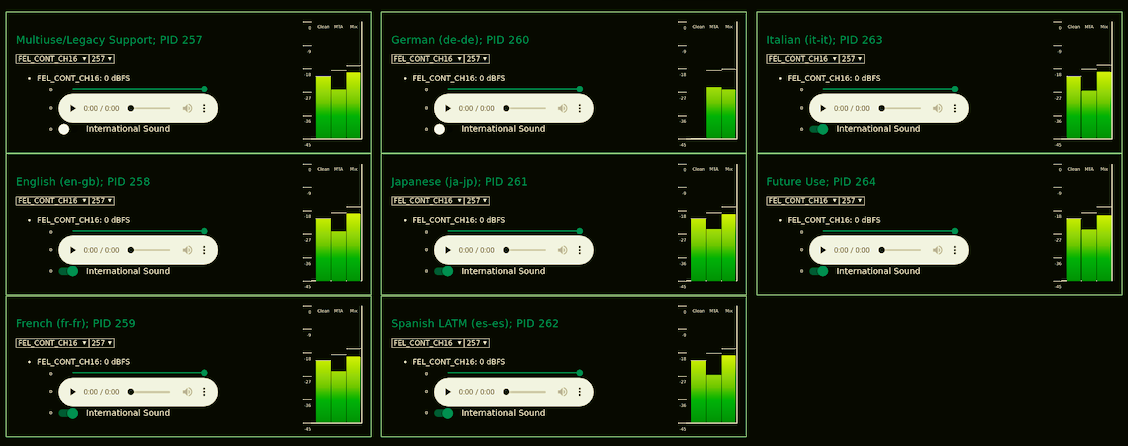
b1006e_1a5dcf69febd4b0b948b609805c34970~mv2.png (1128×446)
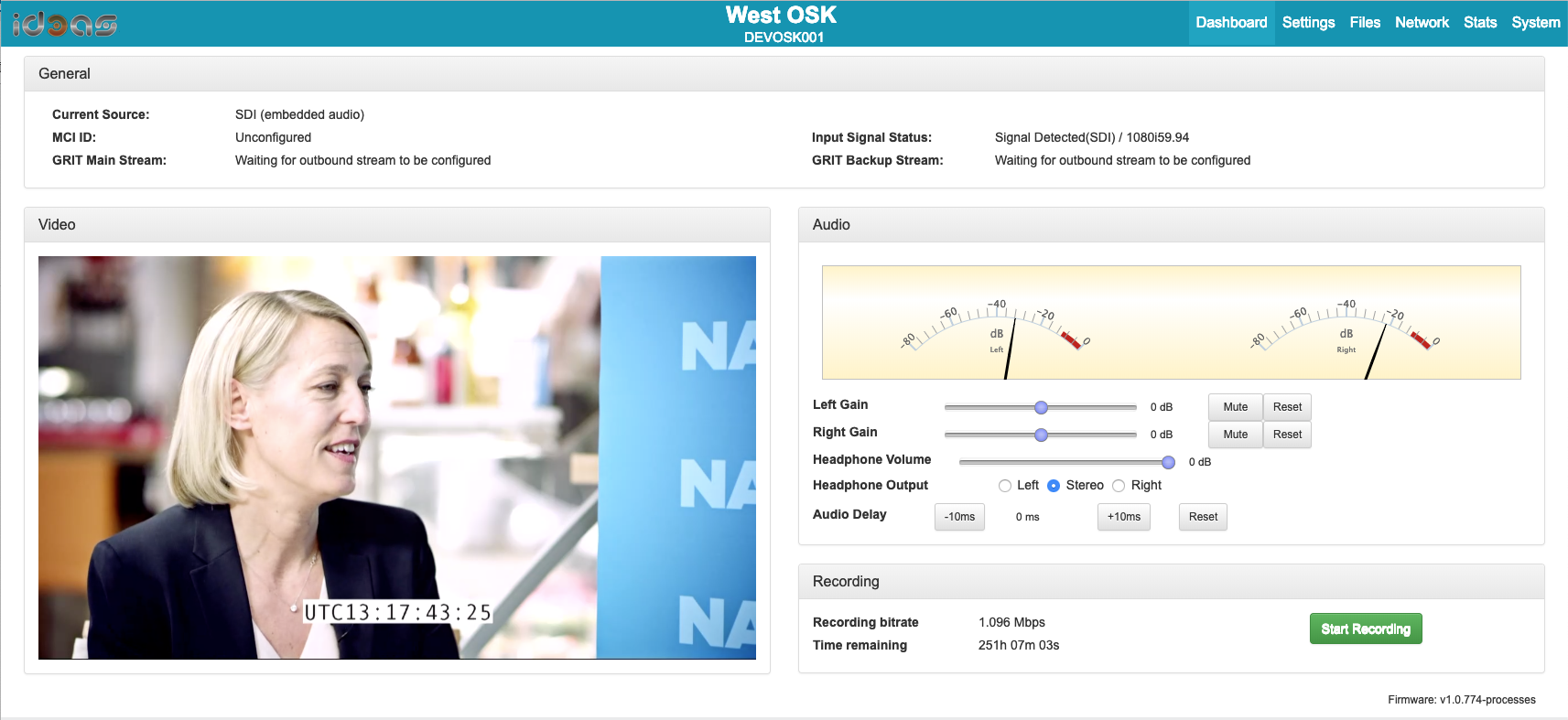
b1006e_7b9c37bdf9b64f969ff3d7fca74c4ef0~mv2.png (1713×787)
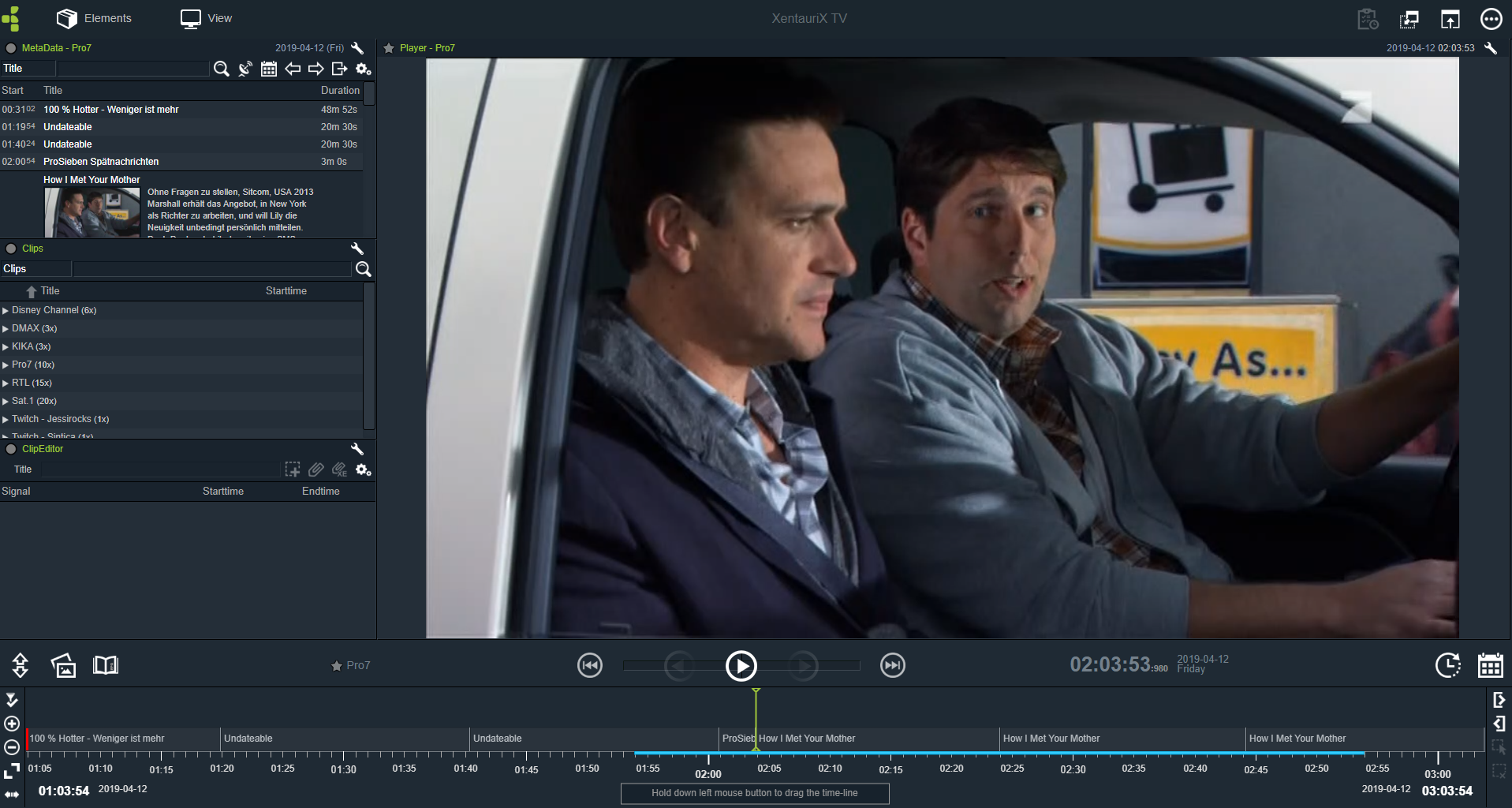
b1006e_47228df893f340298e5fde0bb84871be~mv2.png (1917×1024)
id3as Media Platform - Local Manager
https://abc-demo.id3as.co.uk/20314c71-c6a5-4b03-b414-9148be14e314/12014/
Encoder_demo - Dropbox
This page has been deleted.
To enable your browser to open multiple tabs at once, please install the OneTab extension.
Install OneTab
Note: This feature only works with the newest version of OneTab. If you are using an older version, please DO NOT uninstall OneTab, as this will cause you to lose your OneTab data. Instead, wait a few days while we gradually make the new version of OneTab available to all existing users.